Menu
Support Portal BlogEN|DE

THE P5 SOFTWARE PLATFORM

Data management at every step of the life cycle

Overview  –  FAQ  –  Product Comparison  –  System Requirements

Speak to an expert:

Book a free, no-obligation call with an Archiware P5 data management expert to discuss your specific requirements.

What Archiware P5 can do for your data

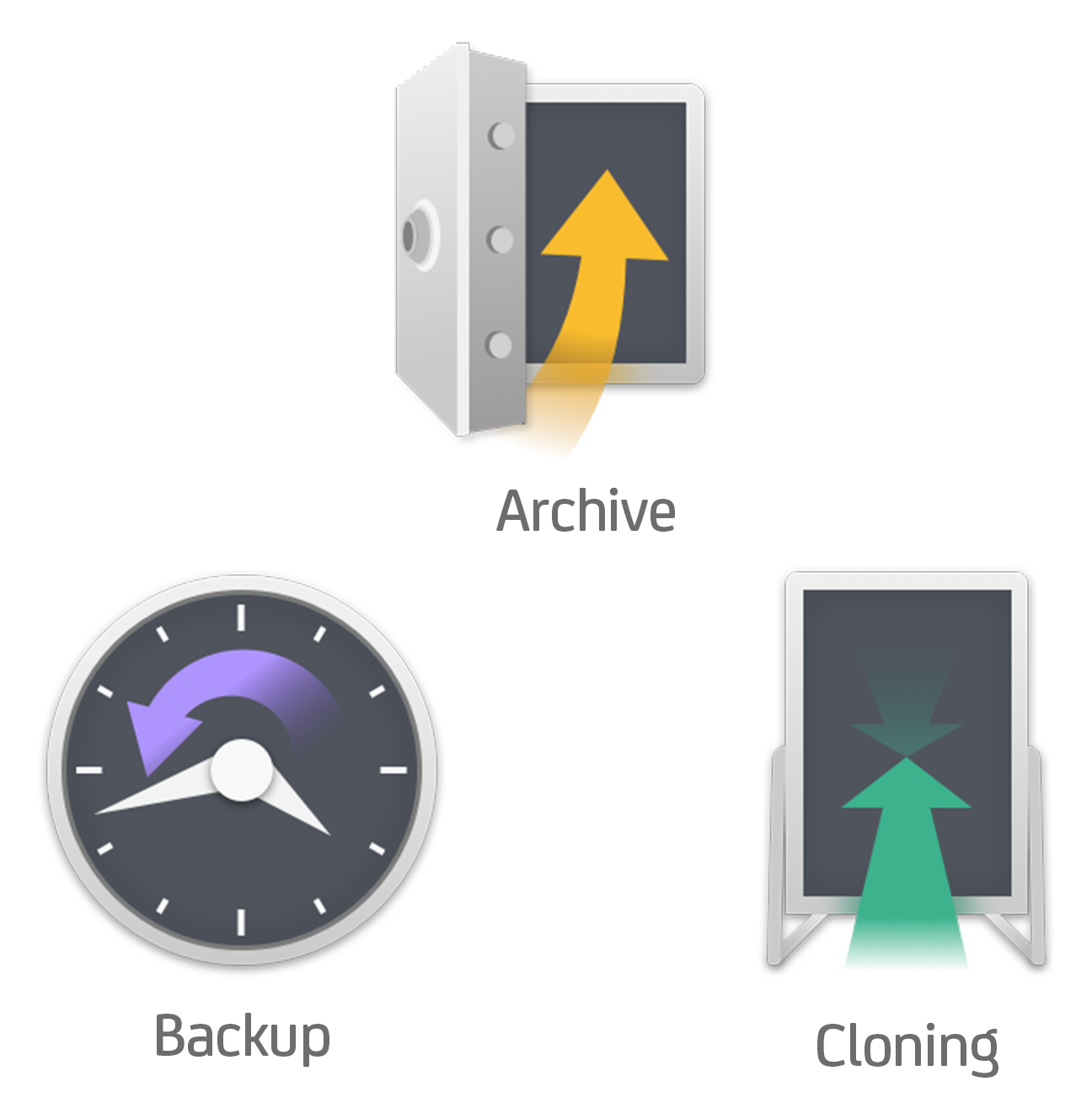
  • Protect data on all levels in ONE solution: Archive, Backup, Cloning/Replication
  • Quick install + Easy to use
  • Give access to all in the company to Backup + Archive
  • Save time finding files with Archive as Single Source of truth
  • Save money and storage by migrating file storage Archive
  • Keep investment future proof and flexible: using disk, tape and cloud storage; OS and storage agnostic; many partners and integrations

How long can you be without your data?

Minutes

→

Data Availability/Failover
NO Restore necessary

→

Synchronize

Hour(s)

→

Backup to Disk, Tape & Cloud
Cyclic with Restore

→

Backup

Day(s)

→

Long-term Archiving
to Disk, Tape & Cloud

→

Archive

Product Overview

Archiware’s P5 Software Platform consists of modules, which each serve different data management purposes. Learn more about the functionality of each module and find the perfect fit for your requirements in the Product Comparison.

Benefits of Archiware P5

“ I found P5 to be incredibly simple to set up. We bought a license and have been really happy with it since. ”

Lincoln W.

See how Archiware P5 helps our customers keep their data safe and organized:

FAQ – Purchasing and Implementing Archiware P5

Archiware P5 runs on macOS, Windows, Linux, FreeBSD, and NAS systems such as Synology, QNAP, NETGEAR, and TrueNAS. Please find the full details under the System Requirements.

Archiware P5 is modular. You can purchase single modules (Backup, Archive, Synchronize) or editions that include multiple modules bundled together. Licenses are typically based on storage capacity (disk, tape, cloud). For tape storage, licensing is calculated based on the number of drives and slots in your library. You can calculate your license requirements using the P5 Product Configurator.

Archiware is sold through authorized distributors and resellers. You can calculate costs using the P5 Product Configurator or request a quote from an authorized Archiware Reseller.

Licenses are calculated based on the modules you want to activate, the storage capacity you plan to use (disk, cloud, or tape), and the number of tape drives in your library. The P5 Product Configurator provides license calculations based on your requirements.

Archiware P5 is sold as a perpetual (one-time) license, with optional renewable software Maintenance & Support agreements for updates and technical support.

Supported storage includes disk (DAS, SAN, NAS, RAID, SSD), tape (LTO 1-10) and cloud. Please find a comprehensive list of integration partners under the System Requirements.

Archiware P5 licenses are available through authorized distributors and resellers worldwide. You can find a partner in your region under the Distributor Search or Reseller Search. If you cannot find a local partner, please contact Archiware directly at team@archiware.com for assistance.

Archiware P5 Archive works at the file level, so any file type on supported file systems can be archived, indexed, and retrieved.

Yes. P5 maintains a searchable index/catalog on disk, allowing you to browse and search archived files even if the physical tape is not loaded.

P5 Archive allows the definition and editing of custom metadata fields through the archive interface.

P5 Synchronize is designed for real-time replication between file systems (server/NAS to server/NAS) and does not write to tape. It supports cloud storage by synchronizing data to S3-compatible object storage and cloud services such as AWS, Azure, Google Cloud, Wasabi, and others.

For a detailed overview of how P5 Synchronize compares to the other P5 modules and their capabilities, please refer to the Product Comparison.

Supported cloud services for backup and archive include Amazon S3, Microsoft Azure, Google Cloud Storage, Backblaze B2, and other S3-compatible providers. Full cloud compatibility is described in the System Requirements.

Archiware support is provided through a Software Maintenance & Support agreement, which is a separate renewable purchase. The first year of software maintenance is included in the purchase.

Why choose Archiware P5?

One Platform - One User Concept

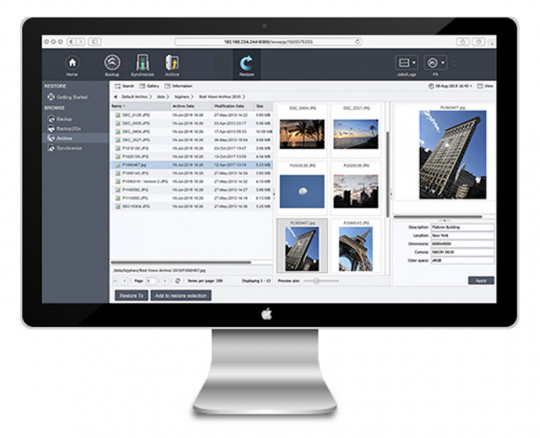
The browser based user interface of the P5 Platform ensures maximum user friendliness. The structure within the modules is the same, minimizing the familiarization period. When the software is first opened, a step-by-step introduction guides users through the creation of data security plans – so the first run can start within minutes. 
Through the web interface, P5 is available from anywhere, anytime.

One Software - All Platforms

P5 Software runs on Mac, Windows, Linux, Synology, FreeBSD, QNAP and NETGEAR. This secures your investments, as the software can be moved to a different server operating system at any point in time.

P5 is also platform neutral with regards to the storage used and therefore allows for e.g. the cloning from one OS to another or the restoration of files on a different platform than the one of the source (example: The P5 Archive server running on Linux archives files off Mac workstations). The important file properties such as access rights and extended attributes remain intact.

Your Installation - Your Resources

Thanks to the universal compatibility, the P5 Platform fits into your existing storage environment. Investments in specific hardware are not necessary.

Resources can be used for multiple modules simultaneously – e.g. one tape library for P5 Backup and P5 Archive. If required, resources may be re-allocated to adapt to altered circumstances – without the need for re-installation and with minimal administration efforts.

Archiware offers support by in-house experts. Support and Maintenance are free during the first 12 months. Find out more about Software Maintenance and Support.

One Manufacturer - Many Partners

The Archiware P5 platform has compatibility with numerous storage hardware. P5 Archive and P5 Backup can be used with tape hardware by any manufacturer on the market. All modules support file servers as well as Direct Attached Storage, SAN and NAS (more information on P5 and NAS), thus working with practically any type of disk storage.

On the software side, the P5 Platform has integrations with numerous partners, especially with Media Asset Management systems (MAM). A list of solutions with hardware and software partners can be found here.

Free Choice of Storage

Which storage fits best depends on your requirements, budget and strategy. Each of the available storage categories – disk, tape and cloud – have their own specific characteristics and strengths.

Archiware P5 is integrated with numerous disk, tape and cloud partners. P5 Backup as well as P5 Archive can use disk, tape and cloud storage to offer maximum flexibility.

Updates in the Browser

P5 software updates can be installed directly from the web-admin interface on macOS and Linux installations. This is particularly useful for remote systems, such as Amazon EC2 instances, where updating can be complex. A simple click checks for newer versions on Archiware’s servers, downloads and installs and restarts.

This feature is provided only for platforms that do not maintain their own software registry that includes P5. Both Windows and NAS systems such as QNAP, Synology and ReadyNAS include their own package manager.

Multi-Factor Authentication

Multi-factor authentication is an electronic verification approach where access to a website or application is granted only upon the successful presentation of two or more pieces of evidence to an authentication mechanism. Two-factor authentication provides an added layer of security when logging in to Archiware P5. The authentication code is delivered to the user by e-mail.

Affordable Pricing Model - Starting at €700

Archiware P5 Platform pricing starts at €700 and has a flexible and scalable licensing model. With the help of the P5 Product Configurator, you can easily calculate the perfect license combination and price for your individual requirements.

You can find your local Archiware Reseller through our Reseller Search.

The P5 License Model

The P5 Platform is delivered as one package in a single installer that contains all modules, which are activated with a license key. This way, additional modules can by added at any point without the need for time-consuming installation. For P5 Backup and P5 Archive, the license model is based on the capacity of the tape or disk storage used as well as the number of LTO drives in libraries.

License packages reduce the initial investment. Prices for your installation can be calculated in our product configurator.

Licenses can be purchased through your local reseller, or by contacting us at team@archiware.com.

Multi-language Support

Archiware software is made in Germany. But since our customer base spans the entire globe, the P5 Software Platform is available in English, German, French and Japanese.

Configurable Dashboard

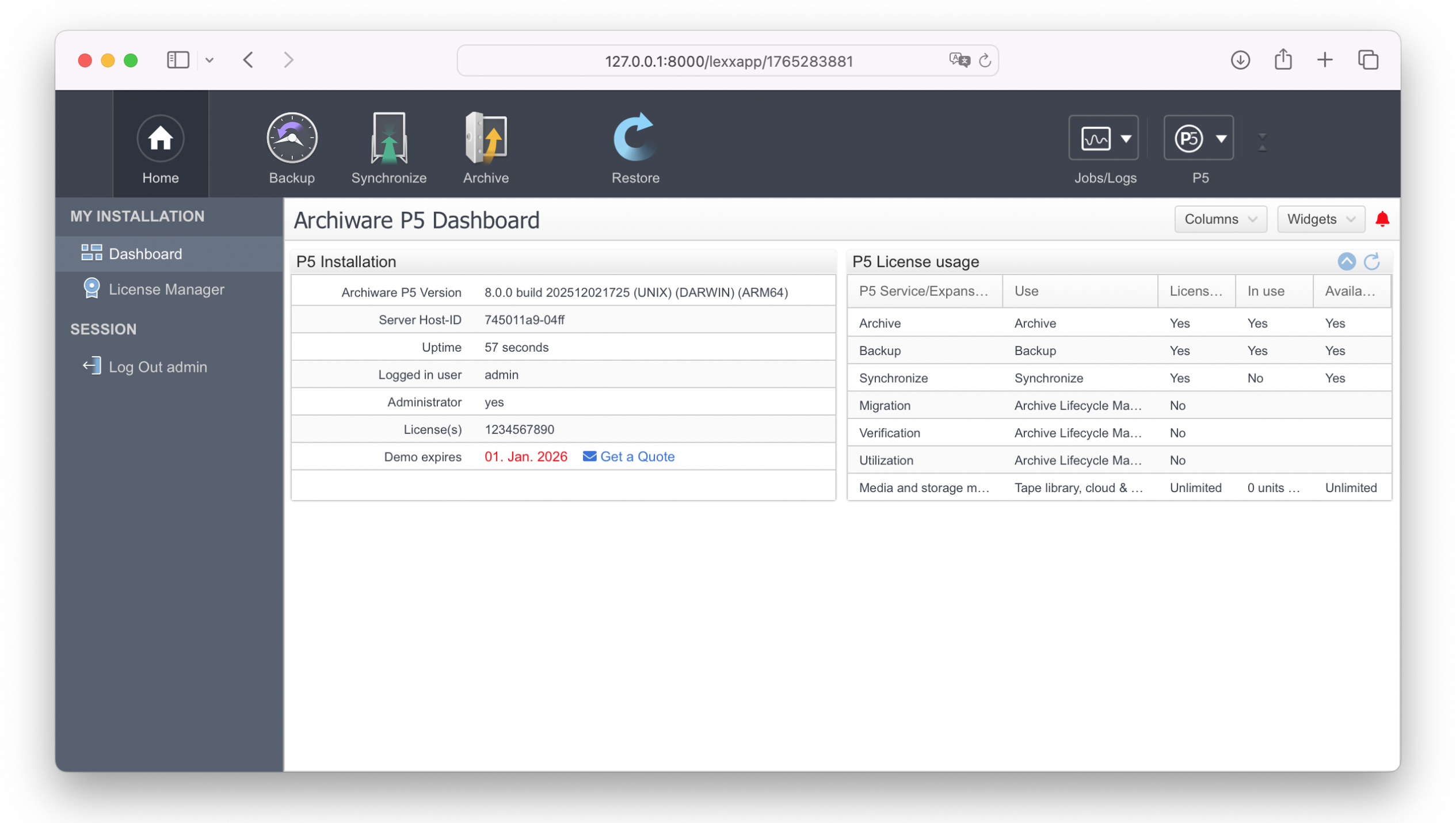
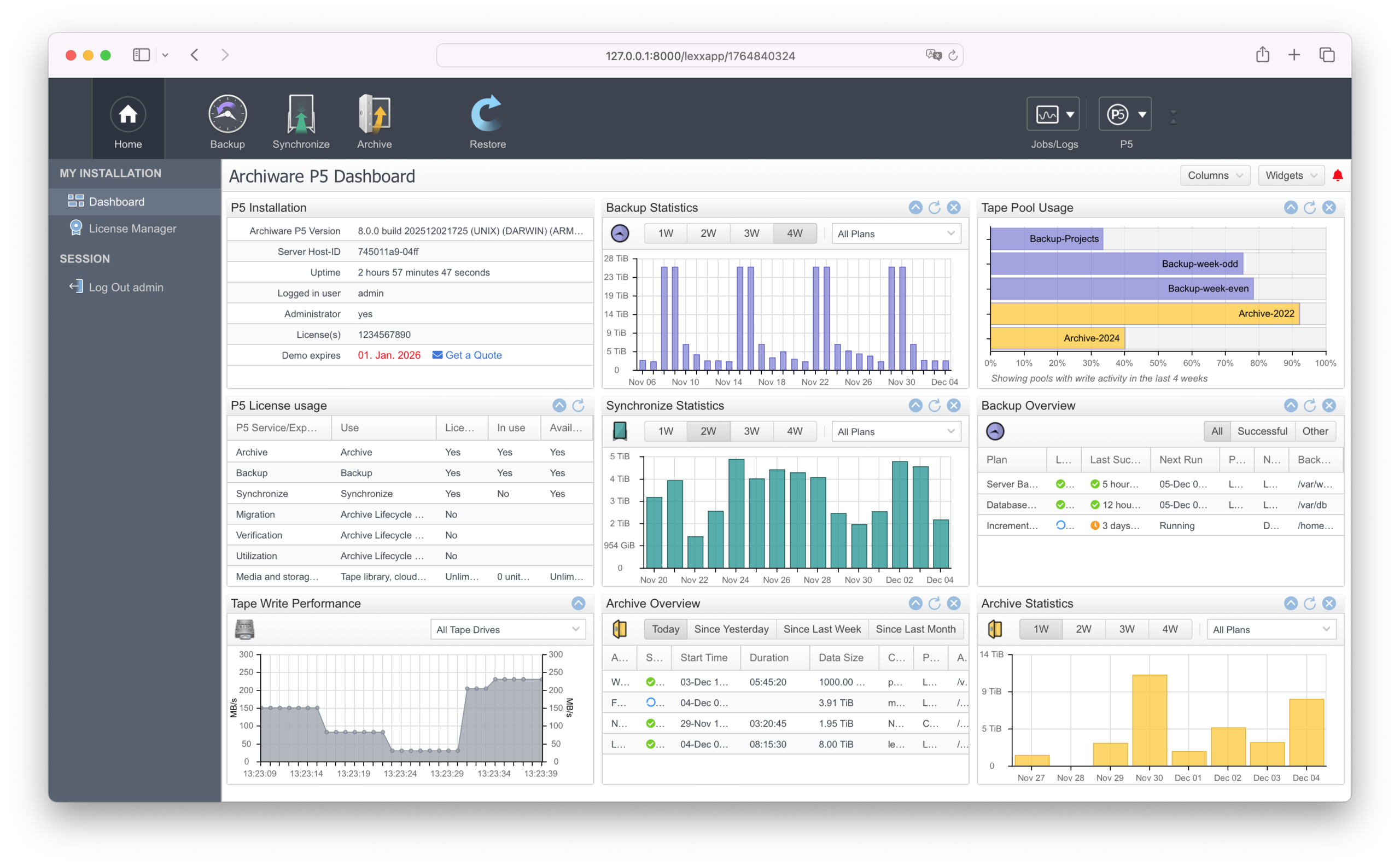
Upon login, users are presented with a customizable dashboard made up of multiple information panes. These panes can be resized and rearranged to suit individual preferences. By default, the dashboard includes dedicated panes for P5 installation and license details.

Existing users can add graphs to visualize backup, archive, or sync activity over selectable periods ranging from 1 to 4 weeks. Graphs can display total job data or allow filtering by specific plans via a drop-down menu. An overall statistics graph highlights job completion trends over time, with color indicators for success and failure. This intuitive visual interface enables P5 administrators to quickly verify that all scheduled jobs have run as expected — at just a glance.

Achieve maximum flexibility and security

API based on REST

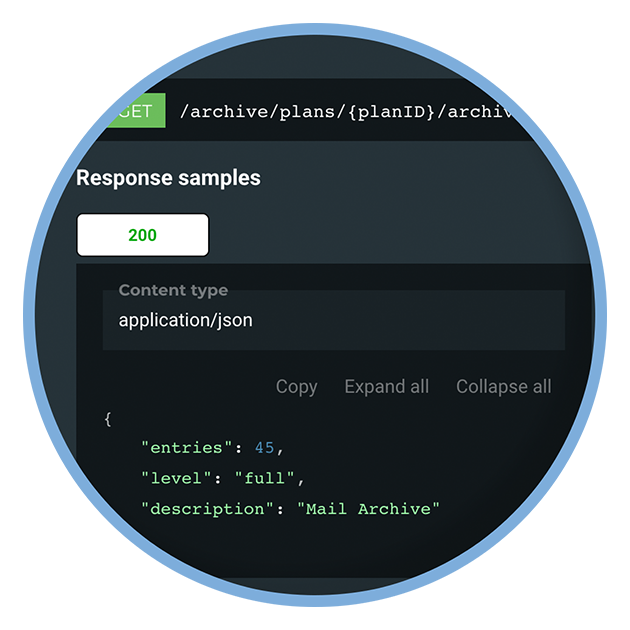
In addition to the command-line interface, already in use by many integration partners, P5 includes a full REST-based web services API, over https. This could, for example, be used to create a custom browser application.

Secure Browser GUI

The web admin interface can use either http or https for added security.

Remote administration of P5 via a public network can now be secured through the use of SSL certificates.

Archiware P5 for AWS

Archiware for Amazon Web Services (AMI)

Those wishing to run cloud-based instances of P5 can login to their Amazon Web Services account and deploy our Linux-based AMI.

P5 Archive DLM

P5 Archive DLM enables intelligent, policy driven data management throughout the archive lifecycle. With automated data lifecycle management, volume verification, project based storage monitoring, and flexible retention rules, it ensures that archived data remains organized, compliant, and easy to manage over time.

P5 Desktop LTO Edition

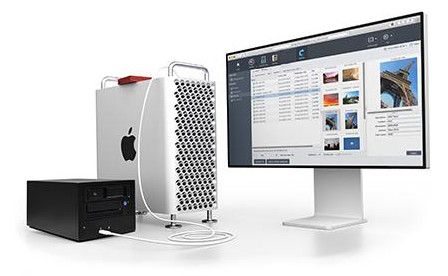
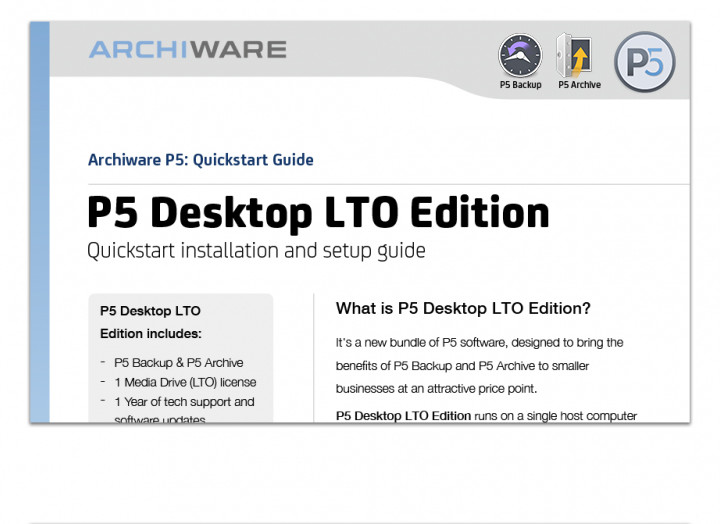
Archiware P5 is available in a special P5 Desktop LTO Edition for use with up to two LTO drives. Automatic Backups and long-term Archive on LTO, store production data and protect for the long-term. Now both are available in this special license bundle.

Profit from proven longevity and affordability of LTO media. Extremely easy archiving and backup with P5.

DOWNLOAD P5

Request a trial license within the software for a fully featured 30-day free test of all modules with your existing infrastructure.

Resources

Manuals

Learn how to install and configure P5 and partner solutions easily.

P5 Solutions

Discover how to make the most of your P5 installation.

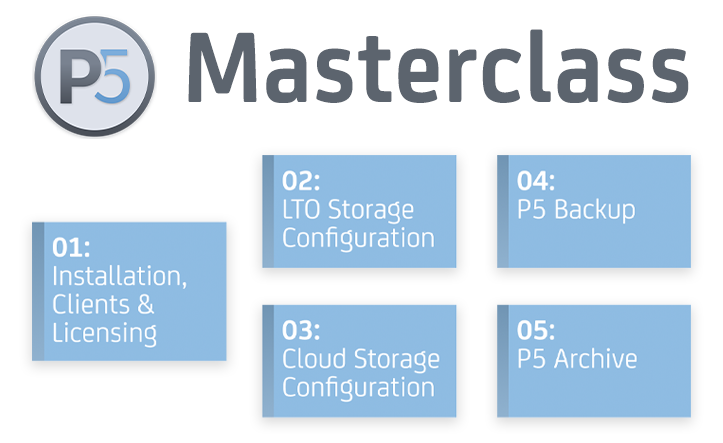
Masterclass

Training videos on archiving, backup and cloning with P5.

Questions? Ask Archiware!Book a call with an expert!