Menu
Support Portal BlogEN|DE

P5 Archive as Mini-MAM

From Search to Retrieval

Mini-MAM Features

Optimized Workflows Using Metadata

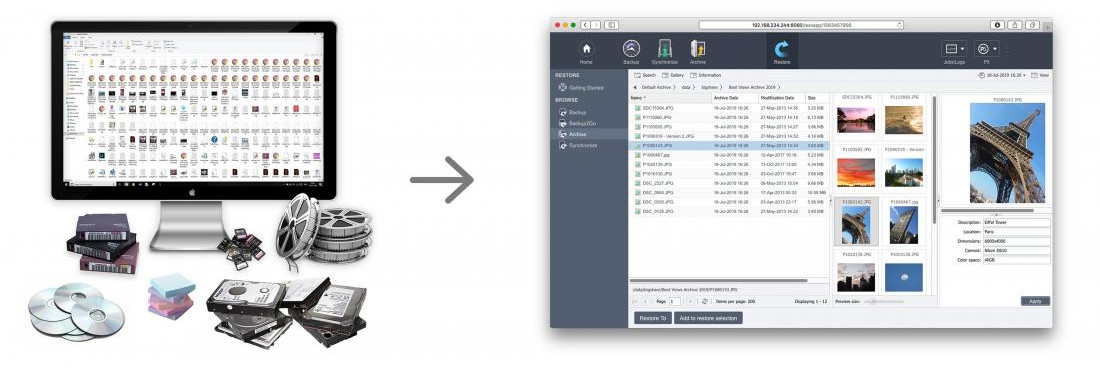
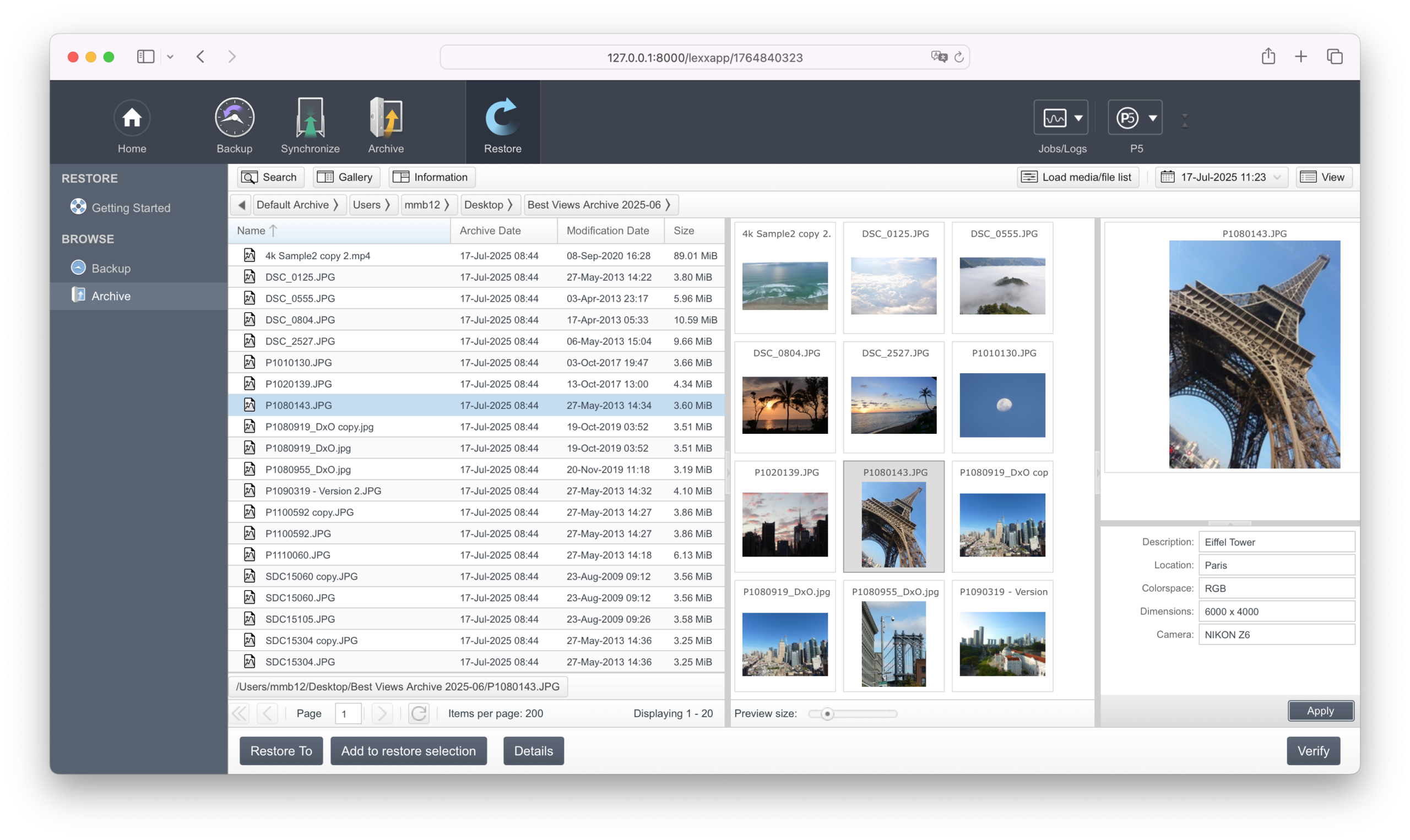
P5 Archive allows each asset to be labeled using customizable metadata fields and menus. As a result, re-use and retrieval of files becomes extremely easy. By referencing file names, archiving date, description and technical characteristics, assets can be discovered and restored within minutes.

Browse, Search & Restore with Previews and Proxies

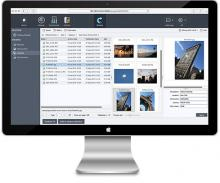
P5 Archive’s HTML5 previews and video proxies enable the required assets to be selected and restored from the archive. File types, such as images and videos can easily be viewed and replayed.

Multiple users can browse the archive simultaneously. Additionally, P5 Archive provides configurable login areas for restricted or direct access to (selected) parts of the archive to browse, search and restore files.

The automatic backup of Archive indexes at regular intervals provides maximum security for the mini-MAM system.

Offsite Storage

P5 Archive lets you move or migrate data offline to disk, tape and the cloud. You can monitor files, folders and the directory structure to archive files automatically. Fine-grained filtering can be applied to select or exclude files based on name, size, date etc.

Data can be cloned to a second tape for offsite storage. Encryption options protect data against non-authorized access both during the transfer and on the media itself.

FFmpeg & ImageMagick

For generation of previews and proxies, P5 Archive allows users to employ FFmpeg and ImageMagick.

P5 Archive Features

More about Archiving with P5 Archive

DOWNLOAD PDF

Solution Mini-MAM EN

DOWNLOAD PDF

Solution Mini-MAM US Letter

CONTACT

Contact

Sales/Licensing:
team@archiware.com
Pre-sales/Technical:
Archiware Support

Find out if P5 is right for you!Download 30-Day free trial