P5 Synchronize now allows scheduled replication/migration of data between your own storage hosts and any S3-compatible object storage. Including cloud services such as AWS, Azure, Google, Wasabi and many others. There are many possibilities:
Import project files (EDL, OTIO, FCPXML, ALE) and automatically restore all referenced media from the archive. Ideal for offline/online/proxy workflows and archive recovery. This also works with the P5 inventory files, which could be used to import job-wise.
For faster media archiving.
P5 version 8.0 introduces true parallel preview generation. Where preview creation was previously distributed across multiple hosts in a round-robin sequence, tasks are now executed concurrently.
By running FFmpeg and ImageMagick jobs in parallel across available preview hosts, P5 significantly reduces preview backlogs, accelerates ingest workflows, and improves throughput for high-volume media archives.
The P5 Archive DLM module has been extended with a new query-based storage analysis function. This feature allows users to create custom queries to determine the storage space consumption of specific projects in the archive.
P5 Archive now supports controlled deletion of long-term archived data, helping organizations meet data-protection obligations while reducing storage costs.
Administrators can selectively delete archived content directly from the P5 Archive Index, such as complete projects or directory trees. Deleted data is fully removed from the index and cannot be restored. A new re-indexing process recalculates the actual restore-relevant data on each LTO volume after deletion.
This makes it possible to clearly identify partially used and fully unreferenced tapes. Fragmented volumes can be consolidated using P5 Archive DLM, with remaining data migrated to new media for efficient tape reuse. For data that must be permanently destroyed, optional hardware-based Secure Erase is supported.
Together, these capabilities deliver a consistent end-to-end deletion workflow: logical deletion, physical consolidation, and secure volume reuse or destruction – supporting GDPR-compliant data lifecycle management and long-term storage optimization.
P5 Archive and P5 Backup now support LTO Hardware Encryption for protecting data.
Particularly suitable for media companies with sensitive customer projects or compliance requirements. Encryption occurs automatically without changes to existing archiving and backup processes.
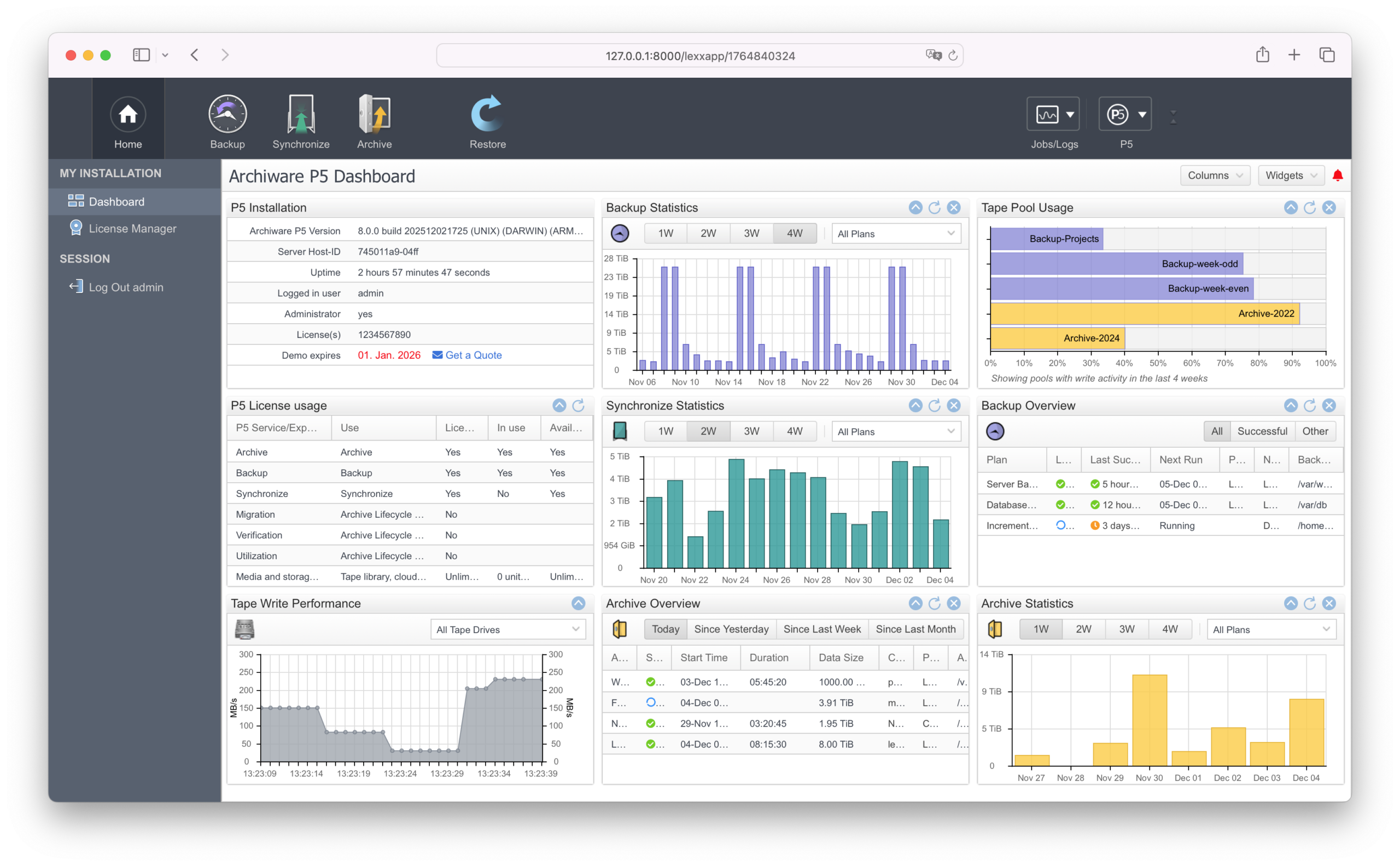
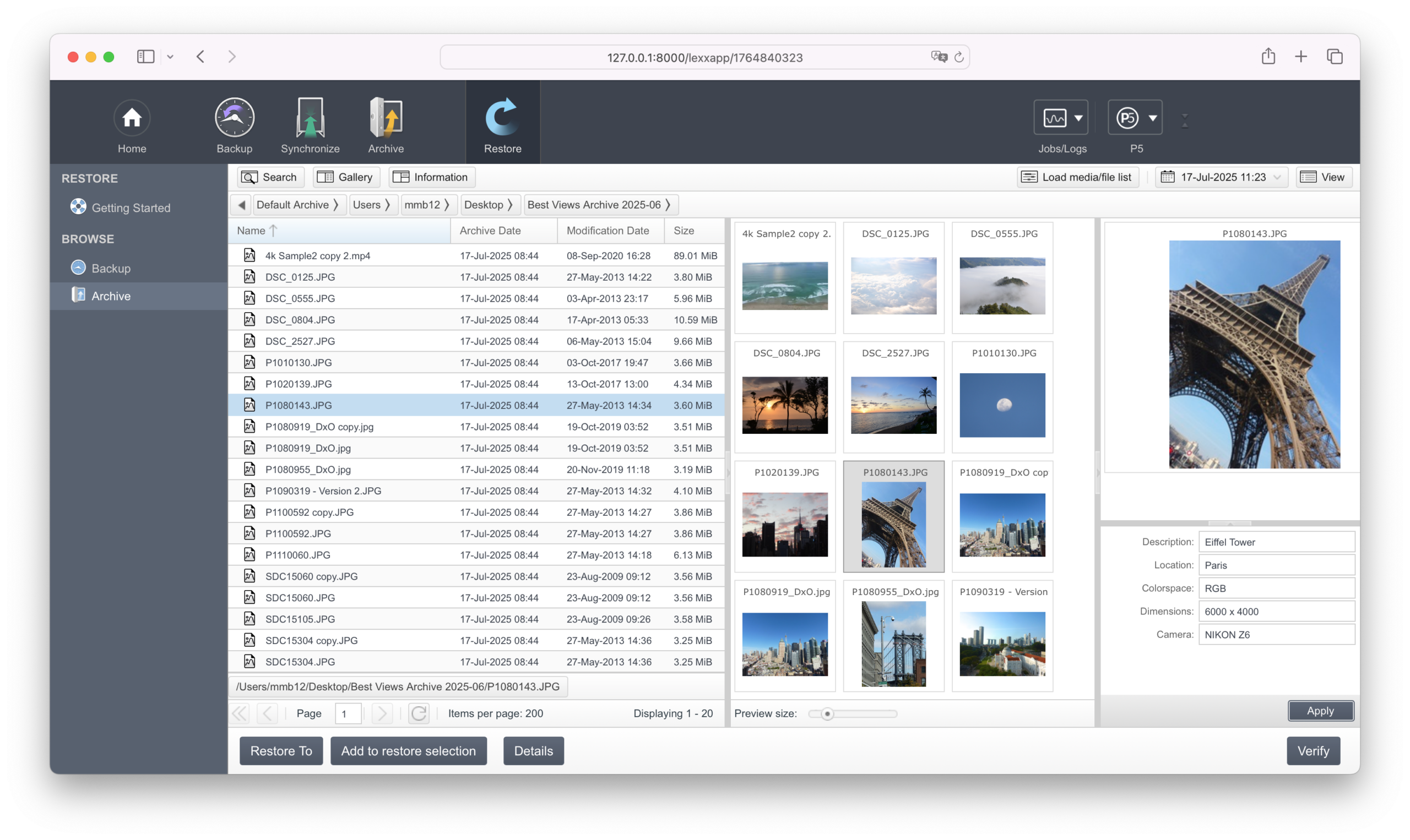
Redesigned icons for better user-friendliness.
We’ve refreshed the interface with updated icons, replacing several elements with more modern and consistent visuals. This enhances the overall look and feel of the UI and makes navigation even more intuitive for users.
Request a trial license within the software for a fully featured 30-day free test of all modules with your existing infrastructure.
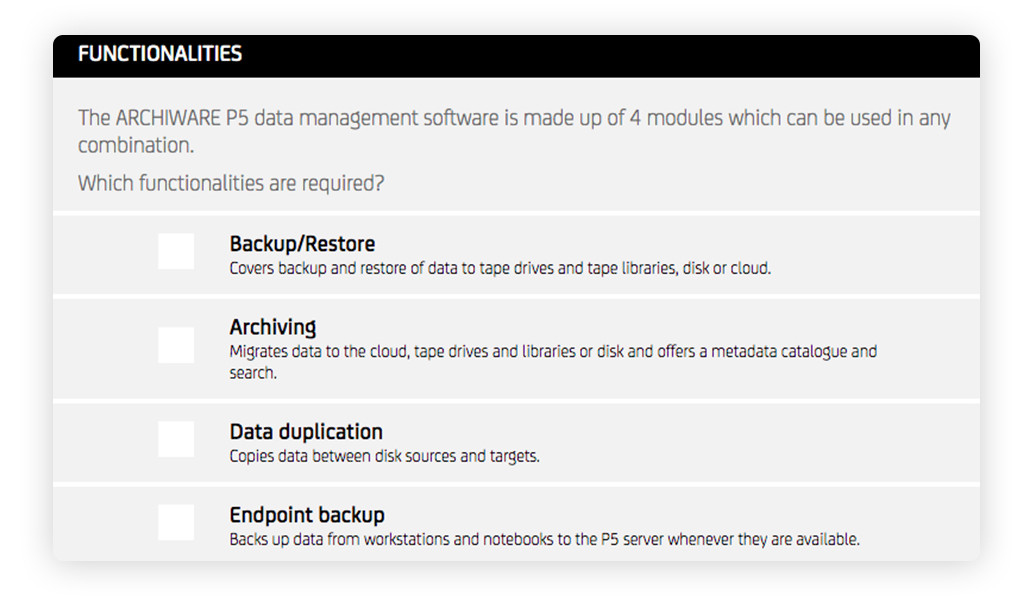
Archiware products are sold according to a list-based pricing structure. Pricing depends on the required modules, size of storage and other factors. The required license or bundle can easily be calculated using our P5 Product Configurator.
Simply select the required modules, the size of Archive/Backup storage or Tape library, additional clients or options to receive a license configuration quote.
All announcements are subject to alterations.
Information and Downloads for Version 7.4
Information and Downloads for Version 7.3
Information and Downloads for Version 7.2
Information and Downloads for Version 7.1
Information and Downloads for Version 7.0
Information and Downloads for Version 6.1
Information and Downloads for Version 6.0
Information and Downloads for Version 5.6
Information and Downloads for Version 5.5
Information and Downloads for Version 5.4
Information and Downloads for Version 5.3
Information and Downloads for Version 5.2
Information and Downloads for Version 5.1
Information and Downloads for Version 5.0
Information and Downloads for Version 4.4