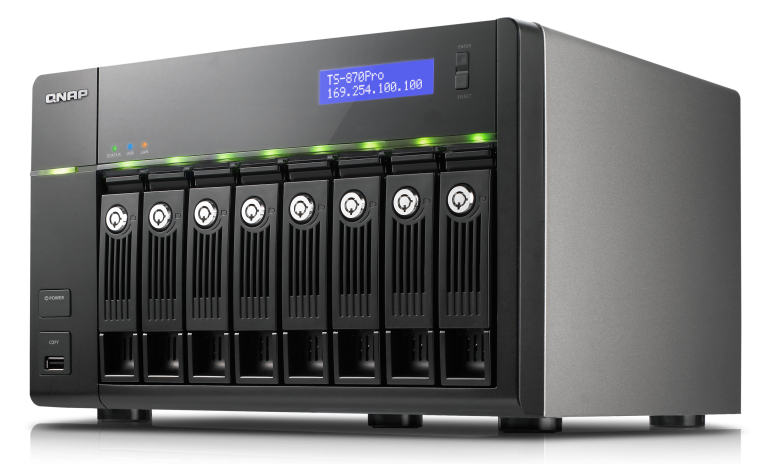
Network Attached Storage (NAS) provides the fastest and most efficient way to acquire and share data. With a focus on usability, robustness and scalability, the NAS provider QNAP ranks amongst the most efficient and flexible. In combination with Archiware P5, the need for optimal medium- and long-term data security is supported in the simplest way possible. Archive and Backup to LTO provide cyber-security through teh built-in air gap.
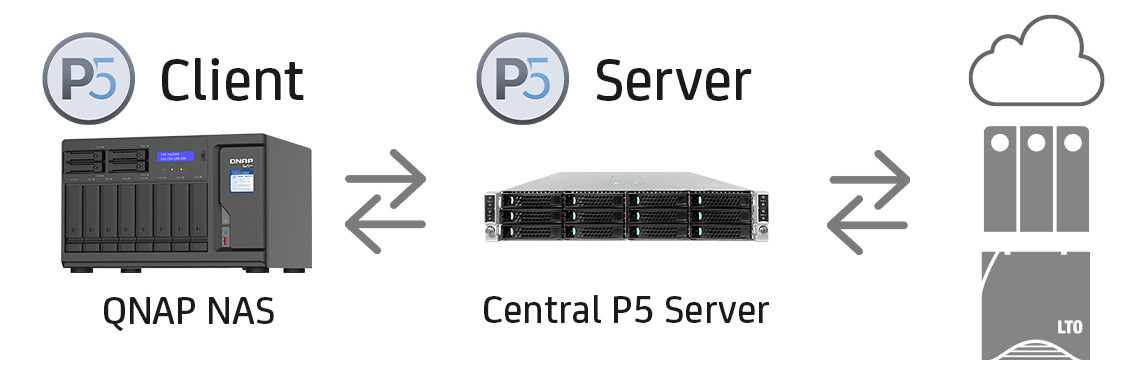
Archiware P5 can be combined with a QNAP NAS using two different setups. In the first setup, P5 acts as a central server, which synchronizes, backs up and clones data from the QNAP NAS onto the desired target (disk, tape or cloud). The QNAP NAS is connected to the central P5 server as direct attached storage or as a P5 client.
Optionally, the QNAP NAS can also be used as target storage for data, which is cloned, duplicated or archived by P5 Synchronize, P5 Backup and P5 Archive. For utmost data security, an offline copy of the data should also be stored offsite.
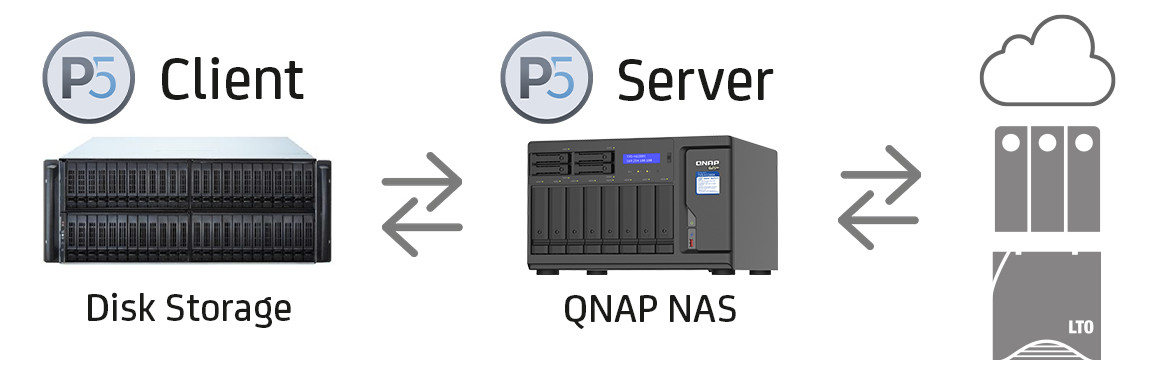
In the second setup, the Archiware P5 server application directly runs on the QNAP NAS. In this case, data stored on the QNAP NAS can be secured to LTO tape, disk or cloud. Reversely, data residing on direct attached storage or P5 clients can itself be moved to the QNAP NAS, disk or cloud.
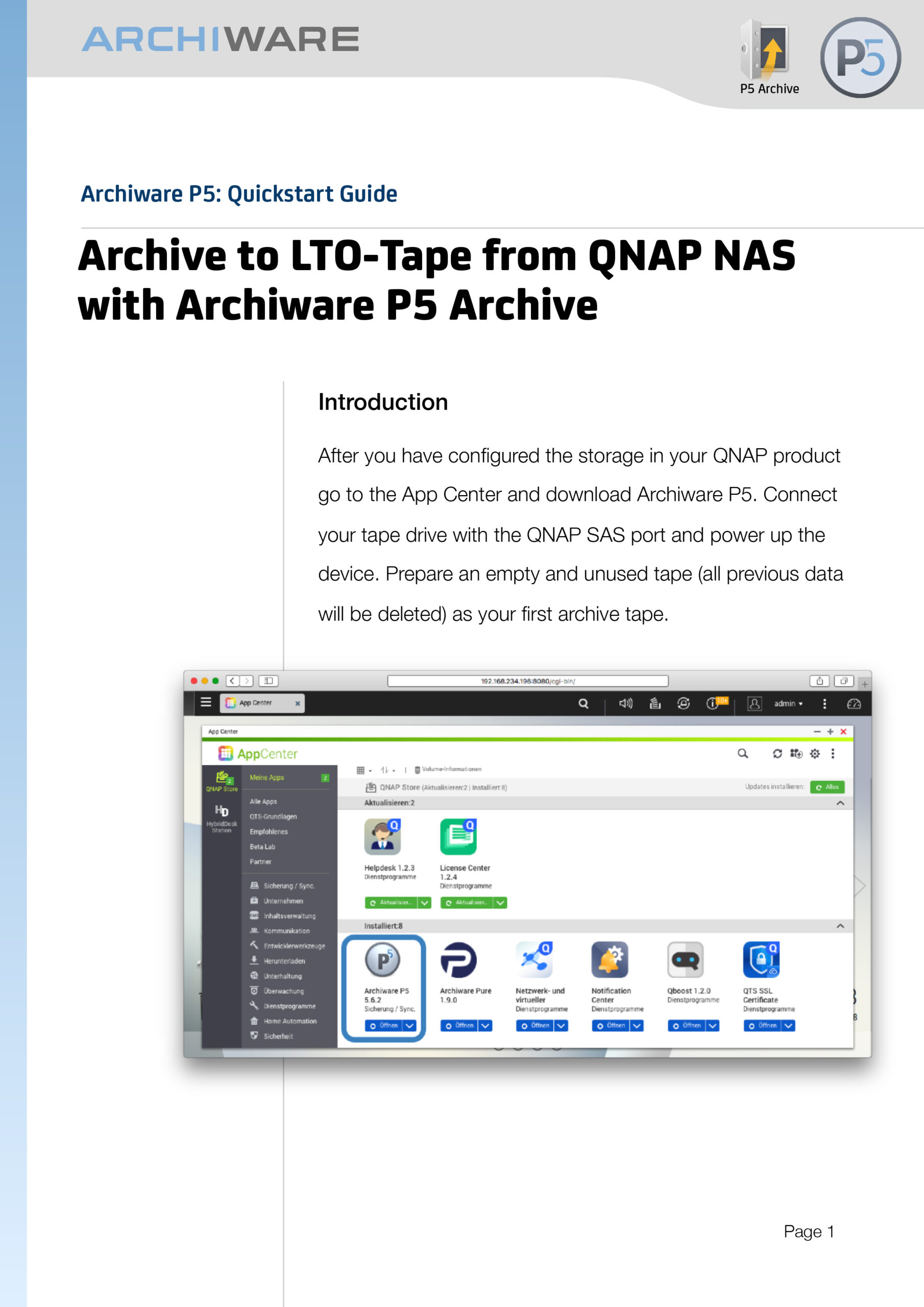
Archiware P5 offers the only software solution that allows archiving and backup from QNAP to a directly attached LTO device! Find out how to directly attach LTO tape storage to a QNAP NAS device in our Step-by-Step Guide!
Data from QNAP devices is stored in a platform neutral format including user authorizations – identical to all other supported platforms.
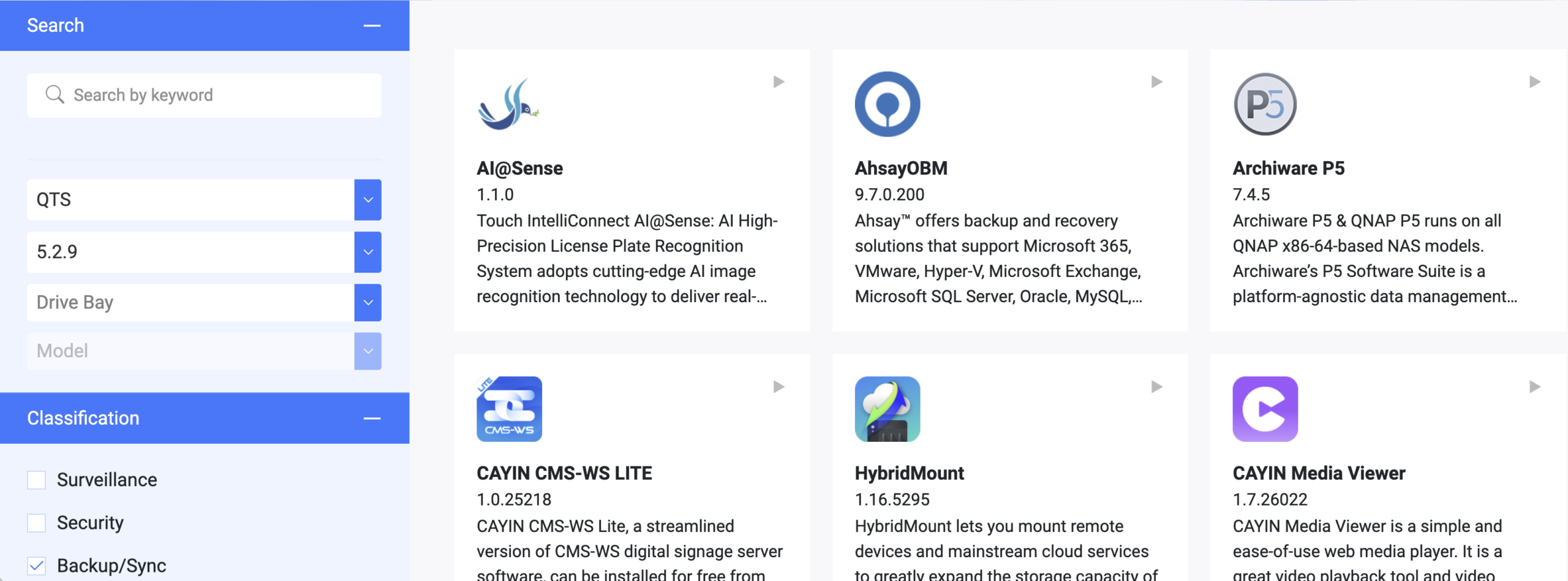
Archiware P5 runs on QNAP NAS devices with the QTS operating system 4.3+ and an Intel x86 64-Bit processor.
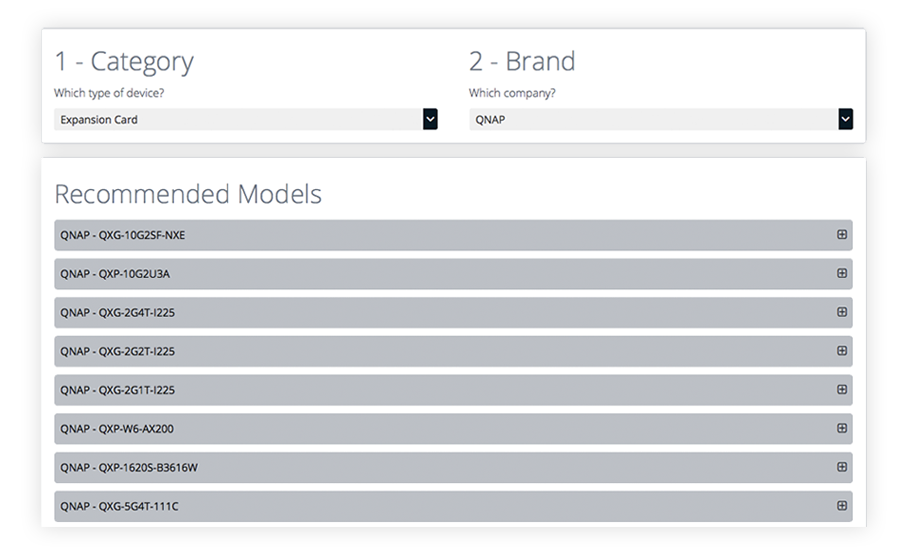
QNAP regularly tests hard drives and other devices for compatibility with partner products. Archiware P5 is the only software that supports using QNAP devices via SAS with LTO tape.
A list of devices that can be used via SAS with LTO tape is provided on the QNAP website. Simply select “QNAP” under Brand, followed by “Expansion Card” under Category. Then, expand the list by using the “+” symbol to find recommended models.
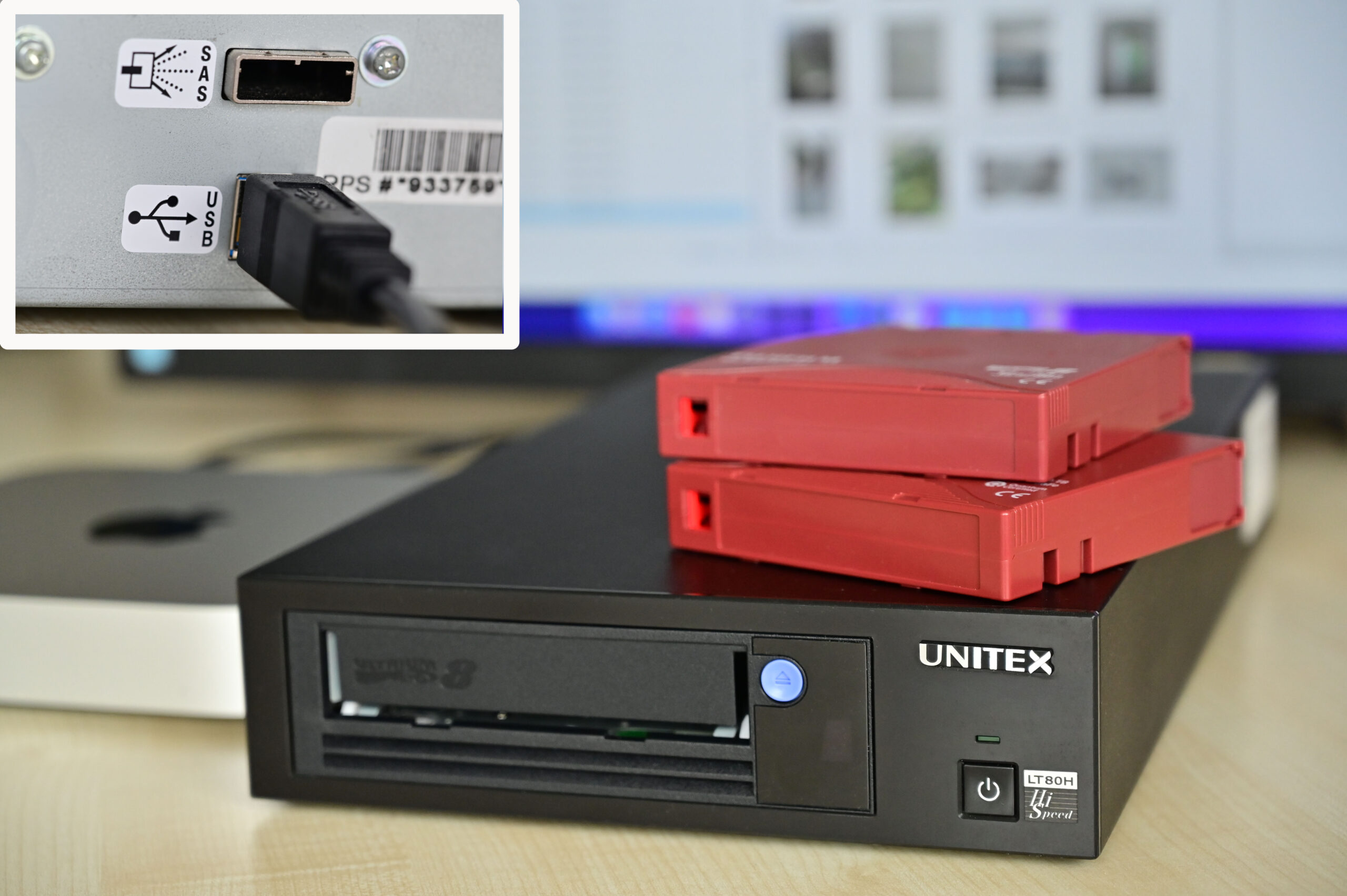
The UNITEX LTO USB drive offers also flexible solutions where no SAS or FC port might be available. Whether the challenge is archiving TBs of footage, images, other media or files, Archiware P5 and the UNITEX drives present a powerful, yet easy-to-use solution.